How to Use Drones to Clear a Room in Rainbow Six Siege
Scout the entrance, corners, and next doorway with a drone, then act on the information before defenders move.
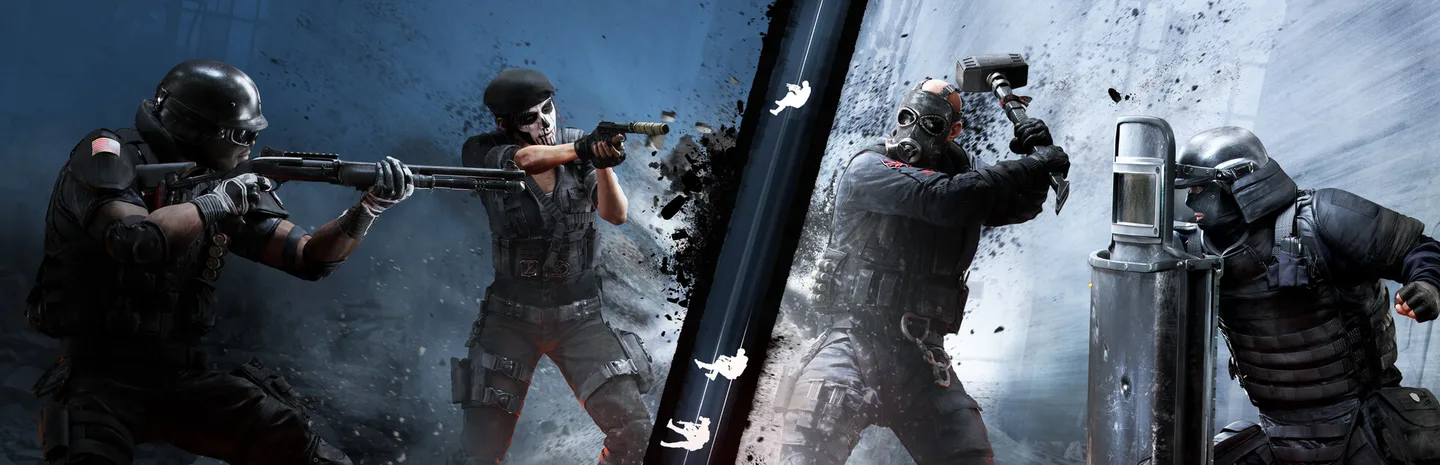 Drones to Clear a RoomArt: Ubisoft
In Rainbow Six Siege, send a drone into the room before the first attacker crosses the doorway. Check the corners and cover that player can't see from outside. Call where the defender was and whether you still have eyes on them. Then enter quickly enough to use the information, with a teammate watching the angle the drone couldn't cover.
Get the drone into a useful position
- Stop in cover before opening your observation tools. Make sure another attacker is watching any route from which you could be pushed.
- Send the drone toward the room through a useful opening. Check the view into the room before committing it to the middle.
- Look at both near corners, the large pieces of cover, and the likely line from the next doorway. Check spots from more than one angle if a low view hides them.
- Tell the entry player what you saw. If the drone remains safe, leave it where it can update the call when the defender moves.
- Return to your weapon or keep droning while a teammate enters, depending on who is covering you and how quickly the team can act.
A quick pass through the center can leave both near corners unchecked. Start with the angles the entry player will face immediately. If you see an enemy deeper in the room but haven't checked the near side, say so. The first attacker needs to know which parts of the call are still uncertain.
Use a route that keeps the drone useful. If you have a clear view from under cover, stop there rather than driving straight at a defender. A drone that survives can look again or cover the next doorway. A destroyed drone still gave you some information, but that position can change before you reach it.
Call what the team can act on
Use a short call with a position and a time cue. “One behind the desk, moving left” tells the attacker more than “one in there.” Use the room name if the squad knows it. If the view ends, say “last seen” and describe the spot instead of treating it as the defender's current location.
Use a contextual marker when it will help the team find a corner or piece of cover. Choose a scan deliberately. A scan that alerts a defender can cause them to move or look for your drone. If the team is ready to act on a quiet call, keep the drone hidden and update the position when it changes.
For example, when a teammate wants to cross a doorway, call the near corner first. Then tell them whether anyone is holding the far side. If your drone loses sight of that player, say where they were heading. Ask the attacker to check that line before moving deeper.
Enter before the information becomes stale
Coordinate who drones and who enters. If you are alone, keep the route short enough that you can put the drone away and act while the information is fresh. If you are working with someone else, one person can keep the camera on the defender while the other holds an angle.
Recheck the room if the team waits for a different play or gets interrupted. A room you saw empty earlier can have a defender by the time you enter. Use another quick pass or have a teammate hold the approach while you gather a fresh view. Treat a silent room as something to check, especially if it has another entrance.
After entering, clear the next piece of space separately. The drone's view of one room doesn't verify the entire route. Check connecting doors and listen for a change before crossing the next exposed line.
Recover if the drone is lost
Call where it was destroyed and what it last saw. If you need another check, use an available drone or ask a teammate for a safer view. Don't rush the same doorway just because the information stopped. The defender may have moved closer while looking for your approach.
Practice one short route in a custom match or a quiet round. Check the entrance, each near corner, and the next doorway. Then repeat the call in the order the entry player needs it. A good drone pass gives the squad enough information to take the next room with a clear plan.
More Rainbow Six Siege guides
-
Art: Ubisoft
How to Set Up a Custom Match in Rainbow Six Siege11 Nov
-
Black Ice SkinsArt: Ubisoft
How to Get Black Ice Skins in Rainbow Six Siege X: Black Ice Packs, Alpha Packs and the Marketplace8 Nov
-
RenownArt: Ubisoft
How to Get Renown Fast in Rainbow Six Siege X: Clearance Levels, Challenges and Boosters (Y11S3)8 Nov
-
Legend DivisionArt: Ubisoft
How to Unlock Legend Division in Rainbow Six Siege: All Requirements and PC Security Setup (Y11S3)31 Oct
Sources
This article was written by AI (Claude) and checked against the sources above. Games are updated regularly, so details may change.