How to Set Up a Custom Match in Rainbow Six Siege
Create a private lobby, pick a map and rules, and start a repeatable drill with friends.
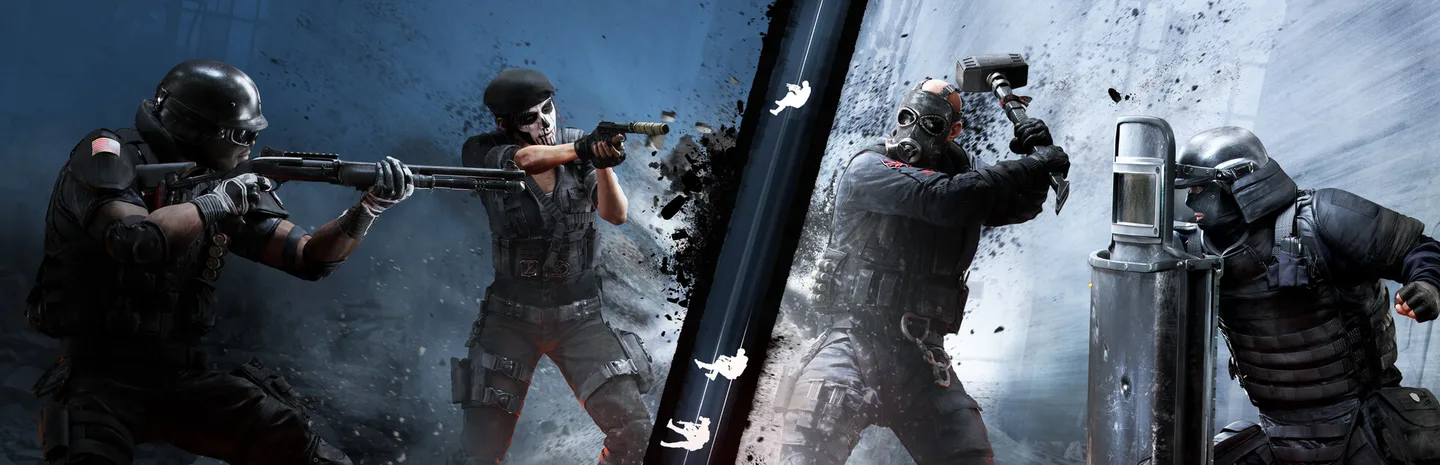 Art: Ubisoft
In Rainbow Six Siege, open the play menu and choose Custom Game. Create or select a match playlist, choose the map and rules you want, then set up the lobby and invite the players. A private custom game is useful when you want to repeat the same map, approach, or setup without relying on what a public playlist gives you.
Create the lobby and choose a map
- Open the game's play menu and find Custom Game. Choose the available online or local option that fits your group.
- Choose the control to create a match or playlist. Select the map you want to practice.
- Read the match settings and set the mode, round settings, and other available options to fit the drill.
- Open the lobby and invite the people who should join. Verify which side each player is on before starting.
- Start the match once the lobby shows the intended map and rules.
Use an online custom lobby when you want remote friends to join. Check the invite or lobby controls if a player can't see the match. If you only need to explore an area, choose the simplest supported setup that gives you access to it. Different platforms or updates can move menu entries. Follow the Custom Game labels in the current client.
Save a reusable playlist if the interface supports it. Give it a name tied to the purpose, such as a route drill on a particular map. If you want to practice another map later, make a separate entry or confirm that you are editing the correct one before saving.
Set rules that help the practice
Decide what you want to repeat before adjusting the settings. For a simple entry drill, pick one map and give both sides time to reach their positions. For a site setup, use a round format that allows the defending player to prepare without rushing. For an ordinary scrim, agree on the rules before choosing a preset.
Use the lobby to agree on the objective. For example, one player can defend a room while the other tries two different approaches. Tell them which parts should stay the same between attempts. If the defender changes every position and gadget while the attacker changes route, it will be harder to understand why the second attempt worked.
Choose a way to reset between attempts. Use the next round or restart through the available controls if you need to return to the same setup. Keep track of which side each player should take. A practice session works better when the next attempt is ready without a long discussion about the menu.
Use the match for a small map drill
For attack practice, choose one entrance and one target room. Walk the route first and note which angles are visible from the door. Then run it again with a drone and an entry player. Compare what the drone could see with what the person entering actually needed to know.
For defense, try a familiar setup and ask the other player to describe the approach they found easiest. Move one gadget or change one position, then repeat. Use the custom match to test that change while the rest of the round stays predictable.
If you're learning the map alone, check where one room leads before moving to the next. Use names you can recognize and write down one short path if needed. A few reliable connections can help more than trying to memorize the entire building in one session.
Fix a lobby that can't start
Check the host, player slots, chosen playlist, and any minimum requirements shown by the lobby. If a friend can't join, verify that the lobby uses the intended mode and that their invite is current. Confirm platform and account compatibility using the game's current options.
If the match starts on the wrong map, return to the custom playlist and check the selected entry before starting again. If the rules differ, verify the settings that were saved rather than the last values you viewed. Test one short round before inviting a larger group.
End the session with a setup you can repeat: the map, the side assignments, and one purpose for the match. Save that combination where possible so the next session can start with the drill instead of rebuilding the lobby.
More Rainbow Six Siege guides
-
Drones to Clear a RoomArt: Ubisoft
How to Use Drones to Clear a Room in Rainbow Six Siege11 Nov
-
Black Ice SkinsArt: Ubisoft
How to Get Black Ice Skins in Rainbow Six Siege X: Black Ice Packs, Alpha Packs and the Marketplace8 Nov
-
RenownArt: Ubisoft
How to Get Renown Fast in Rainbow Six Siege X: Clearance Levels, Challenges and Boosters (Y11S3)8 Nov
-
Legend DivisionArt: Ubisoft
How to Unlock Legend Division in Rainbow Six Siege: All Requirements and PC Security Setup (Y11S3)31 Oct
Sources
This article was written by AI (Claude) and checked against the sources above. Games are updated regularly, so details may change.