How to Use Demo Hero Mode in Dota 2
Open Demo Hero from the Heroes tab, set your level and equipment, and test spells against a dummy or another hero.
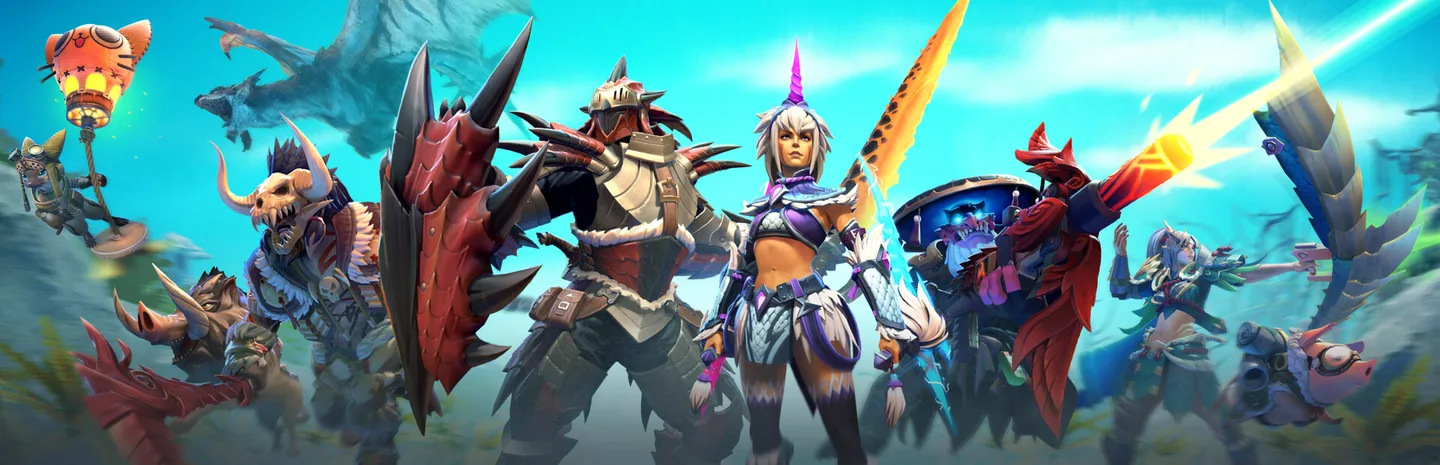 Demo Hero ModeArt: Valve
Open the Heroes tab in Dota 2, select a hero, and choose Demo Hero. The demo gives you controls for hero levels, spells, items, and targets. Start by deciding what you want to test. A repeatable setup helps you tell whether a new item or ability actually changes the result.
1. Open the hero's demo
From the main menu, select Heroes and find the hero you want. Open the hero's page and choose Demo Hero to load the practice area. Check that you are controlling the intended hero before changing settings. If you want to practice a new hero, spend a moment reading each ability and note which ones need a target, a direction, or another condition before they can be cast.
Pick one question for the session. You might want to learn the order of a combo, check how far an ability reaches, or see whether an item can be activated during a particular sequence. Start with the smallest setup that reproduces that question. You can add an enemy hero or another item later if the basic test does not answer it.
2. Set the level, equipment, and target
- Open the demo controls after loading into the practice area.
- Set the hero level you want for the test and assign the relevant ability points.
- Open the shop and equip the items needed for the setup.
- Spawn a target dummy or an enemy hero using the demo controls.
- Use Refresh or Free Spells if you want to repeat casts without waiting.
Choose a level that matches the part of the match you are practicing. A max-level hero can help you inspect all the abilities, but it may be a poor match for an early-lane question. For an item comparison, keep the hero level and ability ranks the same between attempts.
3. Test a combo against a stationary target
Stand at a distance you can reproduce and use the first ability. Check how it changes the next action. If the order matters, practice the first two inputs separately before adding the rest. Reset the target or move it back to its original position between attempts if your abilities move it. That way the second trial begins with the same range and angle.
Use the refresh controls for rapid repetition when you are learning the inputs. Turn them off when you want to check the real timing, mana cost, or recovery after missing a spell. A demo sequence that depends on unlimited casts can feel smooth even when it would leave you unable to repeat the action in a normal match.
4. Use a hero target when the interaction needs one
A dummy works well for basic aiming and damage comparisons. If you want to test a specific hero ability or a defensive response, spawn the relevant hero instead. Give the target the equipment or ability needed for the test. Then confirm that both heroes are in the expected positions before casting.
Change one thing at a time. For instance, run the same sequence before and after adding the defensive item to see whether that item explains the result. If you change the target's level and equipment at the same time, you will have a harder time working out what caused the difference. Repeat the test when the result depends on timing.
5. Bring the result back to a match
After the basic test works, try starting from another angle or outside your usual range. Set the controls back to normal limits and repeat once without a cooldown refresh. This helps you check whether the combo is practical when you only have one attempt. If it breaks, return to the first step that failed and practice that part separately.
If a result looks wrong, check target selection, ability ranks, and whether Free Spells is still enabled. If you still cannot reproduce the behavior, start a fresh demo with only the necessary items and abilities. Record the inputs that work before leaving so you can try the same sequence the next time you play the hero.
If the interaction requires two players to react independently, arrange a practice lobby with a friend after the demo. The demo can confirm the inputs before you test them against someone who moves and responds.
More Dota 2
-
Aghanim's ShardArt: Valve
How to Get Aghanim's Shard in Dota 2: Shop Timing, Cost and Free Shards From the Tormentor (7.41f)8 Nov
-
 Tidehunter in Dota 2Art: ValveArt: Valve
How to Play Tidehunter in Dota 2 Patch 7.41f: Best Build, Skill Order and Ravage Tips31 Oct
-
Art: Valve
Dota 2 Trove of Terror: New Tidehunter Arcana, Drow Ranger Arcana Returns, Price and Bad-Luck Protection31 Oct
Sources
This article was written by AI (Claude) and checked against the sources above. Games are updated regularly, so details may change.