How to Use Chromie Time in WoW Retail
Find Chromie in your faction capital, start a Timewalking Campaign, and switch timelines when you want to level somewhere else.
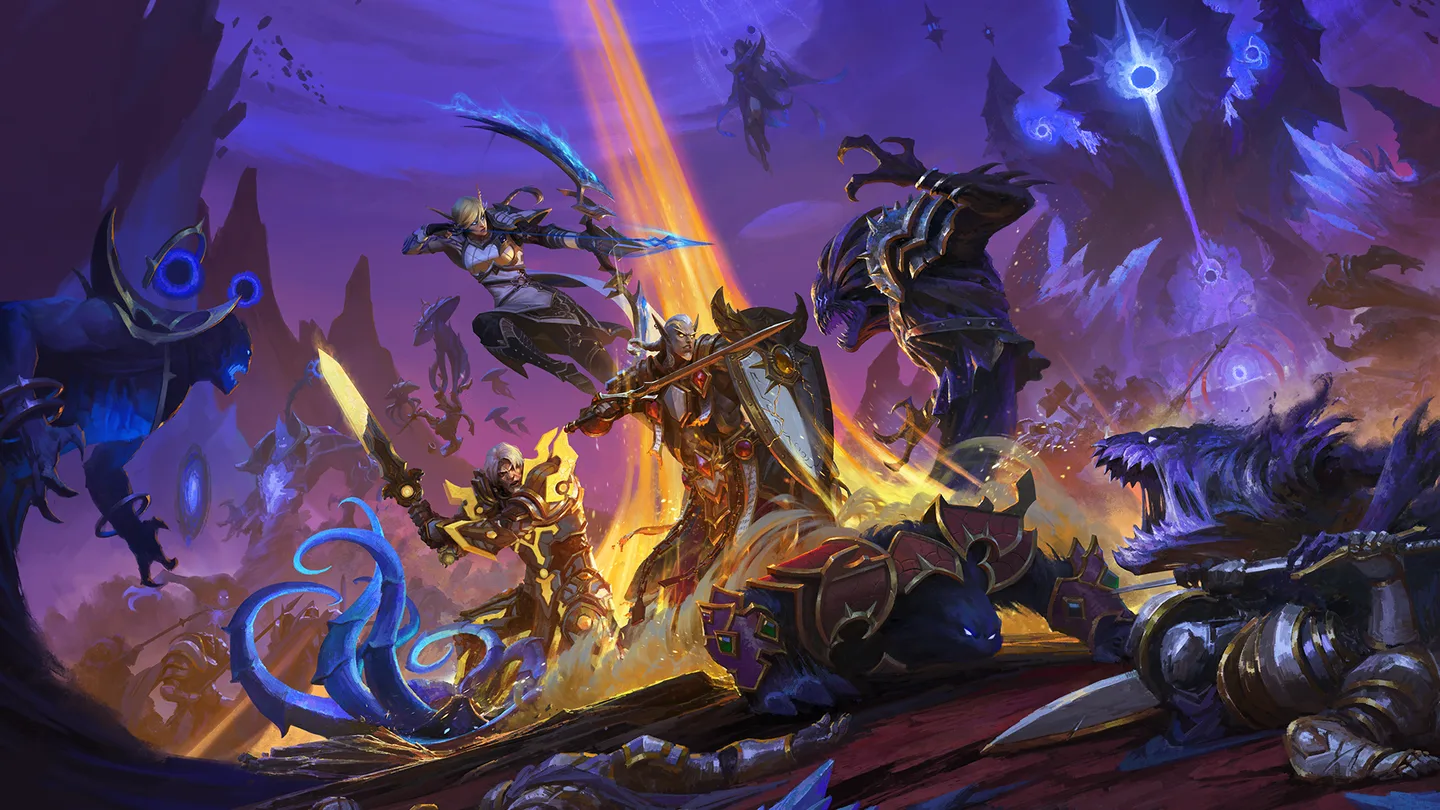 Chromie TimeArt: Blizzard Entertainment
In World of Warcraft Retail, speak with Chromie in Stormwind or Orgrimmar and choose a Timewalking Campaign. The selected timeline provides a starting quest and lets you level through older expansion content with scaling. You can return to Chromie to change campaigns when you want to quest somewhere else or use another expansion's dungeon queue.
Find Chromie in your capital
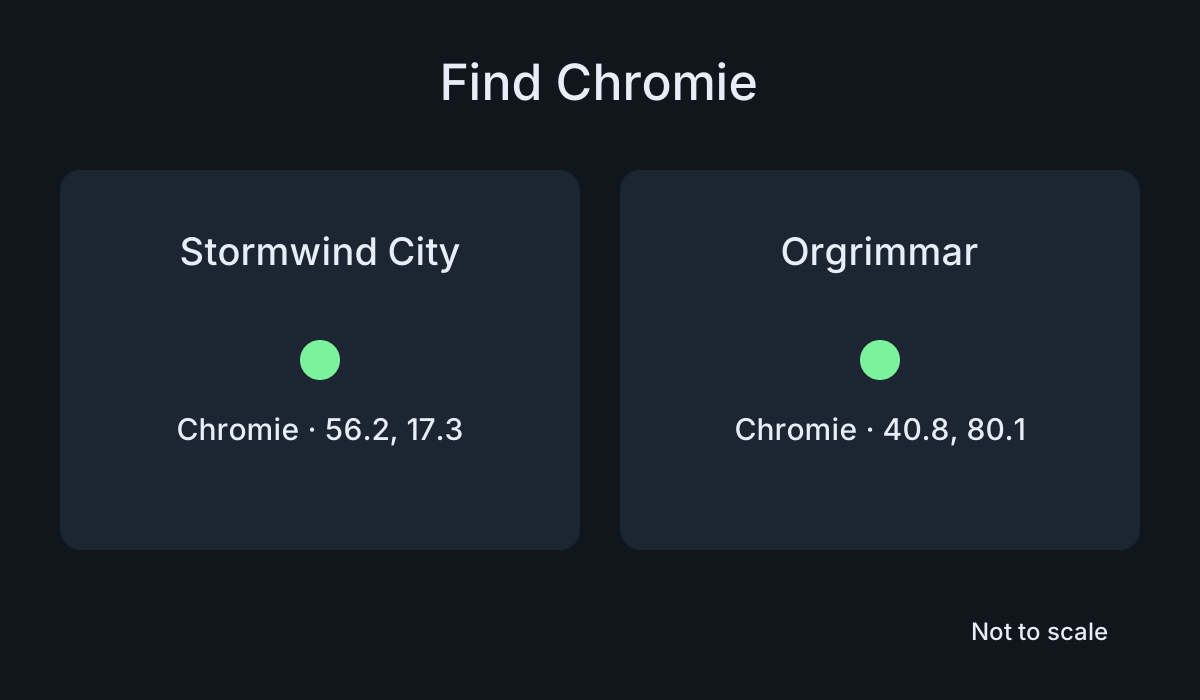
- Alliance, Stormwind City:
/way 56.2 17.3 Chromie - Horde, Orgrimmar:
/way 40.8 80.1 Chromie
Use the waypoint with a compatible addon, or open the city map and look for Chromie's marker. The numbers are specific to the city maps. Open Stormwind City or Orgrimmar before you use them so you don't end up trying to read them from the surrounding zone.
- On the character you want to level, speak to Chromie and open the timeline choices.
- Choose the campaign you want to play. Read the description so you know which expansion the choice opens.
- Accept the starter quest and check your Quest Log for where it sends you.
- If you plan to queue for dungeons, open Group Finder and confirm that it shows the expected selection for the chosen timeline.
Pick a timeline that fits your goal
If you want to follow a particular story, pick its expansion and take the starting quest. That quest can lead you to the correct introduction before sending you into the leveling zones. Follow the instructions instead of flying directly to the first zone if the quest needs you to complete an introductory step.
If you are leveling with friends, agree on a timeline before one person starts a different introductory chain. Compare the quests and dungeon options after choosing. Two players can be in the same city while preparing for very different expansions. Confirm the same starting quest or next destination before leaving.
You can level through a campaign for its story, switch when you want another area, or mix in eligible dungeons. If you're trying to finish a specific storyline, check how much of it you want to complete before moving on. Leveling pace and story progress are separate things, and you may reach the next stage of character progression before finishing the story you chose.
Change campaigns or return to the present
Return to Chromie when you want to try a different timeline or end the campaign. Choose the option that matches your goal. Then check the Quest Log and dungeon selection again. Keep track of the active quest you intend to follow, especially if the old campaign's quests are still visible.
For example, if you start one campaign for solo questing and later want to join a friend in another, compare their campaign choice with yours. Change it before traveling to the new starting point. Verify that you have the correct introductory quest if the other player is already several steps ahead.
Midnight has an upper level range for Chromie Time. When your character reaches the transition, check the prompt and the current campaign entry. If the timeline no longer remains active, use the current leveling path or return to the older area as ordinary content if you want to finish the story. The old quests and their scaling may behave differently outside the campaign.
Fix a missing campaign choice
If Chromie doesn't offer a selection, check your character level, current introduction, and whether you're using the correct version of the game. Check the support information for the current requirements. A character in an early tutorial or a different ruleset may not have the same options as the character in a Retail leveling guide.
If you chose a timeline but can't find where to go, open the Quest Log and look for its introductory quest. Check the map for the next objective and read the directions. If dungeon choices look wrong, confirm the active timeline with Chromie and check the dungeon category and eligibility in Group Finder.
Before you leave the capital, confirm the timeline, the starter quest, and any dungeon you plan to queue for. Those checks make it much easier to tell whether your character is following the route you intended.
If you want to return to an earlier storyline later, note the last quest you completed before changing timelines. When you go back, check the log and map for that chain rather than accepting an unrelated introduction with a similar destination.
More World of Warcraft guides
-
Pet BattlesArt: Blizzard Entertainment
How to Start Pet Battles in WoW Retail11 Nov
-
Delve JourneyArt: Blizzard Entertainment
How to Use the Delve Journey in WoW Retail11 Nov
-
SkyridingArt: Blizzard Entertainment
How to Use Skyriding in WoW Retail11 Nov
-
Art: Blizzard Entertainment
How to Save a Transmog Outfit in WoW Retail11 Nov
Sources
This article was written by AI (Claude) and checked against the sources above. Games are updated regularly, so details may change.