How to Unlock Strand in Destiny 2
Complete Lightfall on your Guardian, unlock permanent Strand, and find the Pouka Pond for Aspects and Fragments.
 StrandArt: Bungie
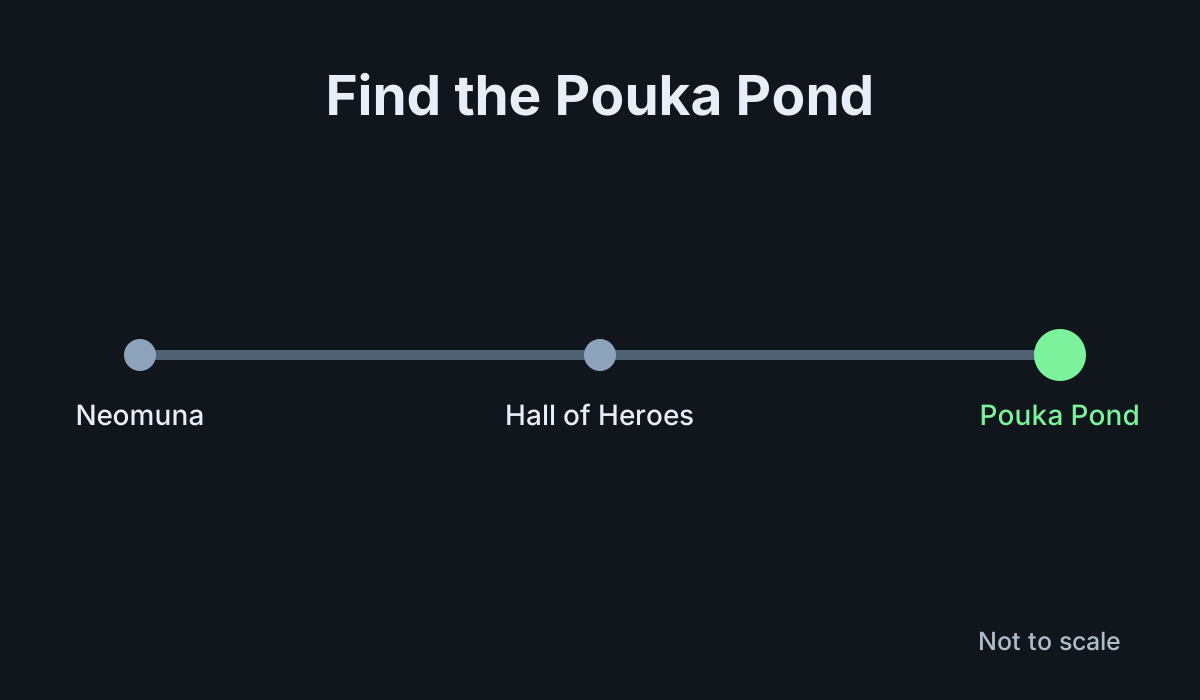
Unlock permanent Strand by playing the Lightfall campaign on the Guardian you want to use. After completing the campaign, follow the post-campaign prompts to the Pouka Pond in the Hall of Heroes on Neomuna. The Pond is also where you get more Strand options. The temporary Strand powers you use during campaign missions do not by themselves unlock the subclass for regular play.
1. Check access to Lightfall
Bungie lists Lightfall ownership as the requirement for the campaign that unlocks Strand. Open the World tab and select Neomuna to look for the campaign. If you can enter some Neomuna content but cannot continue the main campaign, check your expansion access on the platform where you are playing.
Choose the character who needs Strand before investing time in the campaign. The three classes each have their own version of the subclass. Unlocking it on a character gives you that class's version. If you swap to another class and Strand is missing, check that character's Lightfall progress before buying anything else.
2. Complete the campaign and unlock the subclass
- Start or resume the Lightfall campaign on Neomuna.
- Follow the main campaign objectives through the end. Use temporary Strand when a mission gives it to you.
- Follow the post-campaign quest prompts after the final mission.
- Visit the Pouka Pond in the Hall of Heroes on Neomuna and use the offered interaction to unlock Strand.
- Open your Character screen and check that Strand is available in your subclass selection.
Do not stop as soon as a mission lets you grapple or use a Strand Super. The temporary power is part of that mission. The permanent unlock lets you select the subclass on your character after leaving the campaign. The Character screen gives you a clear way to tell which stage you have reached.
3. Add Aspects and Fragments
Return to the Pouka Pond to inspect the Strand upgrades available to your class. Aspects and Fragments change what your build can do. Look at their effects and costs before deciding what to unlock first. Some unlocks can have separate requirements. Read any requirement shown on the option rather than assuming every upgrade comes from completing the campaign alone.
Pick an upgrade that helps the action you use most. If you enjoy the subclass's movement, look for effects that support that part of the build. If you want more reliable damage or survivability, compare the options that trigger in the activities you actually play. Once you unlock an upgrade, open the Strand subclass screen and equip it in the appropriate slot.
4. Check the build before moving on
Equip Strand outside a mission that grants temporary abilities and verify that your chosen grenade, movement, melee, and Super settings are the ones you want. If a Fragment is unlocked but its effect is missing, check whether it is equipped. Buying or earning an option makes it available for use. It does not automatically put it into a build you already saved.
Try the setup in an activity where you can use its abilities several times. This is a good moment to see whether the upgrade changes the behavior you expected. Keep an alternative option available if your current configuration depends on a condition that rarely occurs in the mode you play.
5. Troubleshoot a missing Strand option
If Strand is absent from the character screen, check the campaign completion state and any remaining post-campaign prompts. Return to the Pond on the same character and check whether its initial Strand interaction is available. If Strand is selectable but a specific Aspect or Fragment is missing, look for that option's separate unlock requirement.
If you are comparing a character who already has Strand with a newer one, check the quest log on both. A different class can be at a different point in Lightfall. Focus on the unlock you can see in the Character screen first, then return for upgrades. That keeps the campaign requirement separate from the work of finishing a Strand build.
If you maintain several loadouts, save a new Strand setup only after you have equipped its Aspects and Fragments. Leave your old build in another slot until you have tested the new one. That gives you an easy way back during the next activity.
More Destiny 2
-
PrismaticArt: Bungie
How to Unlock Prismatic in Destiny 210 Nov
-
Loadout with the In-Game Loadout SystemArt: Bungie
How to Make a Loadout with the In-Game Loadout System in Destiny 210 Nov
-
GjallarhornArt: Bungie
How to Get Gjallarhorn in Destiny 2: And Out Fly the Wolves Quest and Catalyst Chests8 Nov
-
FafnirArt: Bungie
How to Get Fafnir in Destiny 2: Legendary Marks, Tenet of Bravery and the Catalyst8 Nov
Sources
This article was written by AI (Claude) and checked against the sources above. Games are updated regularly, so details may change.