How to Set a Respawn Point with a Sleeping Bag in Rust
Place and name a sleeping bag, check its cooldown, and keep an independent backup spawn for your next death.
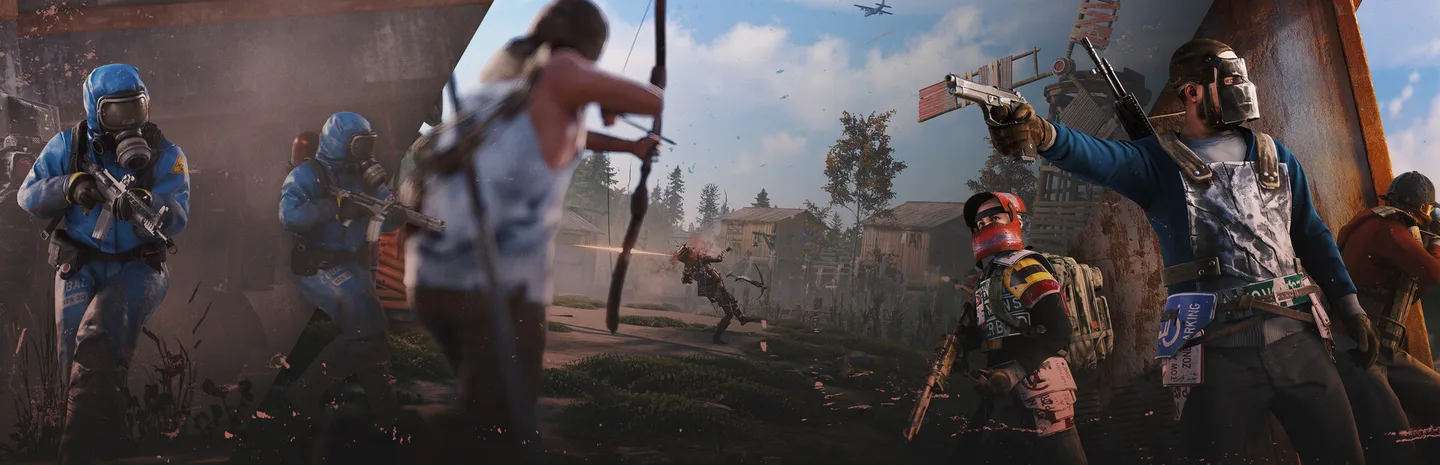 Art: Facepunch Studios
Place a Sleeping Bag in Rust to add a spawn option for the player assigned to it. Name the bag after the place or purpose you want to remember, then check its status before relying on it. When you die, choose the available bag by name on the respawn screen. A bag can be unavailable while it is on cooldown, and placing a second one very close to it can leave both tied to the same local timer.
Make and place the bag
- Find Sleeping Bag in the crafting menu and gather the materials shown. Craft one or take an existing bag from your inventory.
- Choose a valid placement spot. If it is for your base, leave enough room to move after spawning and check that doors and deployables will remain usable.
- Select the bag and place it when the preview permits it.
- Use the interaction menu to give it a clear name. Use a label that separates it from other bags you have, such as Base Upstairs or Forest Backup.
- Check which player the bag is assigned to. Leave it assigned to yourself if you want to use it as your own respawn point.
Choose the position based on what you expect to do after spawning. A bag behind cover near your base can give you a place to regroup. A bag in a busy route can be found or destroyed more easily. Check the approach from outside and think about how you will leave once you're back.
If you are placing a bag for a teammate, use the assignment option and confirm the name. An assigned bag belongs to that player's respawn options. Ask them to verify that it appears when they next check their spawn points. Keep your own bag available if both of you need a return point.
Choose the right bag after death
On the respawn screen, look for the name you set. Check its availability and location before selecting it. If the bag is on cooldown, wait where appropriate or use a different available point. A bag doesn't make the area around your death safe, so choose the return point that gives you a way to move without immediately repeating the same fight.
For example, if you died just outside your base and expect the attacker to watch the door, use a backup away from the immediate approach if it is available. Observe the area before trying to recover anything. If you died far from home and just want to rebuild supplies, a bag inside the base may be the better choice.
Name bags before you need them. A set of unlabeled spawns can be hard to distinguish on the respawn screen. Check your list after replacing a bag and remove or rename an outdated entry if you no longer know what it represents.
Space out a backup spawn
Nearby sleeping bags and beds can share a respawn cooldown. Check the placement cues or timer behavior before assuming two bags give you two independent attempts. Put a backup far enough away that it serves a different approach, then verify the result on your server. A backup should offer another way back, rather than leaving you in the same exposed area.
If you place bags for a team, agree on which ones each player needs. Bag limits and special server rules can affect what you can assign or use. Read the current server settings or placement error if you're near the limit. Remove an obsolete bag before placing a replacement if the server requires it.
Fix a missing or unusable bag
If the bag doesn't appear after death, check whether it was placed successfully, assigned to you, or destroyed. If it appears but is unavailable, read the timer and see whether a nearby spawn was recently used. If assignment fails, check the intended recipient and the current bag limit before trying again.
When a bag is gone, choose a safe route to replace it. Don't spend your next life going straight to the same exposed position without checking what happened. Pick a spot with a clearer approach and name it as soon as you place it.
Keep at least one spawn you can identify quickly. A useful setup gives you a reliable base return and, where your server and circumstances allow it, a backup that takes you somewhere meaningfully different.
More Rust guides
-
Art: Facepunch Studios
How to Secure a Base with a Tool Cupboard in Rust11 Nov
-
ScrapArt: Facepunch Studios
How to Get Scrap Fast in Rust: Best Components to Recycle, Crates, Monuments and Safe Zones8 Nov
-
Blueprint Fragments, Pages and BooksArt: Facepunch Studios
How to Get Blueprint Fragments, Pages and Books in Rust: Best Sources After the Blueprint Rework8 Nov
-
and Breed Cows and SheepArt: Facepunch Studios
How to Tame and Breed Cows and Sheep in Rust: Livestock, Genes, Milk and Wool Guide31 Oct
This article was written by AI (Claude) and checked against the sources above. Games are updated regularly, so details may change.