How to Apply an Ash of War in Elden Ring
Find the Whetstone Knife, choose a compatible Ash of War at a Site of Grace, and preview the skill and affinity before applying it.
 Art: Bandai Namco Entertainment
Rest at a Site of Grace with the Whetstone Knife, open Ashes of War, and select a compatible weapon in Elden Ring. Choose an Ash of War and preview the offered affinities before confirming. Equip the weapon and test its skill. The preview matters because an affinity can change scaling or damage even when the new skill is the main reason you wanted the Ash.
Unlock the menu at a Site of Grace
- If you already have the Whetstone Knife, rest at a Site of Grace and look for Ashes of War.
- If you need the knife, find Gatefront Ruins in Limgrave beside the road leading toward Stormgate. Look for the stairs down inside the soldier camp.
- Descend, open the underground chest, and collect the Whetstone Knife. Return to a Site of Grace.
- Open the Ashes of War menu and choose the weapon you intend to change.
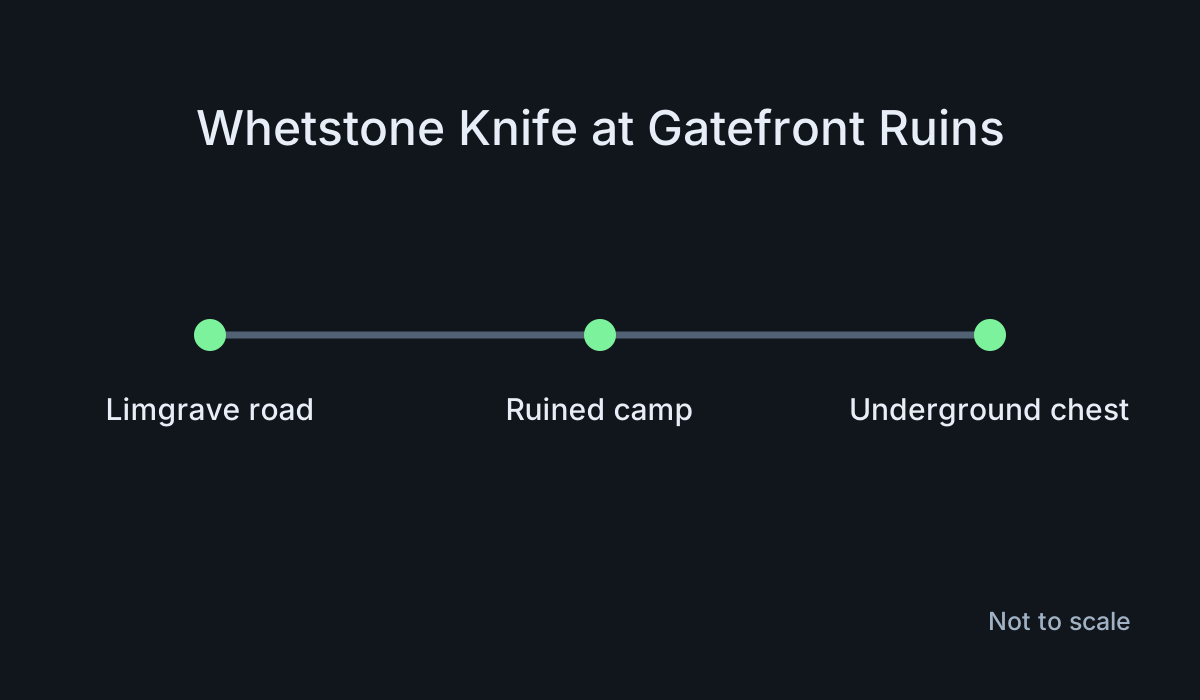
You don't need to fight the whole camp just to reach the chest. Check the patrols and choose a route that lets you approach the stairs without bringing several enemies with you. If you're chased, move back to safety before trying the route again. Look for stairs leading down rather than checking surface items at random.
If the menu doesn't appear, check that the knife is in your key items and that you're resting at the Site of Grace. Return to the chest if you passed through the room without opening it. A weapon's built-in skill can be used independently of unlocking the menu for changing Ashes.
Choose a skill and affinity for the weapon
Select your weapon and read which Ashes the menu allows. An Ash may require a particular weapon category. Some weapons have fixed skills and won't accept your chosen Ash. Test on a compatible ordinary weapon if you want to confirm that the menu itself works.
Choose the Ash, then review the available affinity choices. Compare the listed damage types and scaling with your current setup. Extra whetblades can unlock further choices, depending on the Ash and weapon. Use the options the menu displays for this combination rather than assuming you can apply every affinity to every skill.
For example, if you're changing a weapon because you want its new skill, compare an available standard affinity with another option the menu offers. Check whether the new scaling suits the stats you have now. The skill can be useful without choosing an affinity your character isn't ready to support.
Test the skill after equipping it
Leave the menu and equip the modified weapon. Check the displayed skill name before going into a fight. Try it in a safe place and see how much space and time it needs. If a shield or another equipped item changes which skill your input uses, test with a setup that lets the intended weapon skill take priority.
Then try one familiar enemy. Check whether the attack reaches the target and whether you can recover safely afterward. A skill that looks good from a standstill can need a different approach against a moving enemy. Practice at a distance you can reproduce.
You can return to the menu if the result doesn't suit you. Compare the previous and current settings before switching again. This makes it easier to identify whether the new skill, affinity, or weapon configuration caused the difference.
Fix an Ash that can't be applied
Check the weapon category and whether the weapon permits a replacement skill. Verify that you own the Ash and that it is available for this item. If the skill works but the affinity is missing, read the current options and check whether you have the relevant whetblade.
If the wrong skill appears in combat, inspect the equipped weapon and off-hand equipment. Confirm that you applied the Ash to the actual copy you are using. Reopen the menu and verify the chosen affinity separately.
Finish with two checks: the weapon screen should show the intended result, and the skill input should perform the move you selected. Once both work, you can judge the change in an ordinary fight.
If you want to compare affinities, use the same weapon and enemy for both tests. Keep the skill and other equipment unchanged, then compare the normal attack and skill separately.
More Elden Ring guides
-
Dark Moon GreatswordArt: Bandai Namco Entertainment
How to Get the Dark Moon Greatsword in Elden Ring: Full Ranni Quest Steps, Stats and Mistakes to Avoid7 Nov
-
Guard CountersArt: Bandai Namco Entertainment
How to Use Guard Counters in Elden Ring11 Nov
-
Sword of Night and FlameArt: Bandai Namco Entertainment
How to Get the Sword of Night and Flame in Elden Ring: Caria Manor Route, Stats and Early Access11 Nov
-
Spirit Ash UpgradesArt: Bandai Namco Entertainment
How to Unlock Spirit Ash Upgrades in Elden Ring10 Nov
This article was written by AI (Claude) and checked against the sources above. Games are updated regularly, so details may change.