How to Use the Firing Range in Apex Legends
Set up Apex Legends' Firing Range for recoil practice, moving targets, or fights against dummies with Full Combat enabled.
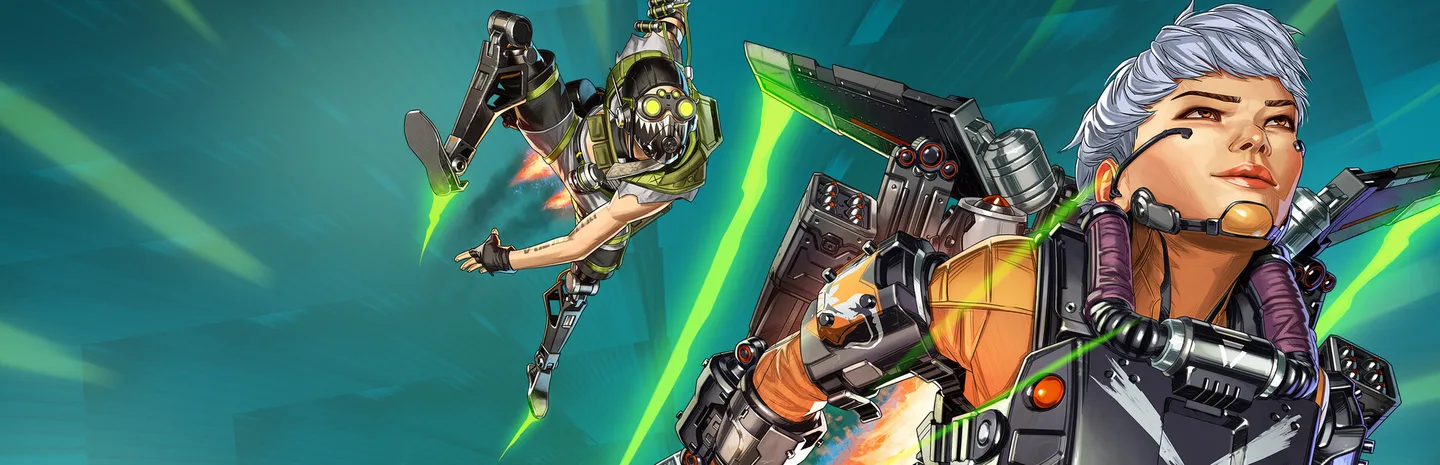 Firing RangeArt: Electronic Arts
Select Firing Range from the Apex Legends mode picker, choose a Legend, and collect a weapon from the range. Open Customize Range to change how the dummies behave. Start with a stationary target to learn a weapon, then turn on movement or Full Combat when you want to practice against opponents that react.
1. Enter the range with one thing to practice
Open the mode selector from the lobby and choose Firing Range. Once you load in, select the Legend you want to practice with. The range gives you weapons and equipment to try. Start with a familiar weapon if the aim is to work on movement or an ability. Pick an unfamiliar one if the aim is to learn how it shoots.
Choose a specific task before picking up attachments. You might want to see how well a rifle groups shots at a medium distance or how quickly you can aim a shotgun after moving around cover. The weapon, distance, and dummy behavior should all match that task. Change one of them at a time so you can tell why the result changed.
2. Set up the dummies
- Pick up your weapon and equip the optic or other attachments you want to test.
- Open Customize Range and find the dummy settings.
- Start with stationary dummies for a repeatable target.
- Turn on strafing or other movement when you want a tracking drill.
- Enable Full Combat when you want dummies to move around and attack.
If you are learning what a setting does, test it on its own first. A dummy moving from side to side gives you a target to track without all the decisions of an active fight. Full Combat adds the need to react, use cover, and decide where to move. If you just want to compare two weapons, go back to a stationary setup.
3. Compare weapon setups at the same distance
Stand in one spot and shoot the same target with the first setup. Start with a few single shots so you can see how the sight picture looks, then fire a short burst. Watch where the rounds land and how much effort it takes to return the crosshair to the target. Hit markers are available through the range settings if they help you read the result.
Swap the attachment you want to test and repeat from the same position. Changing the optic, the distance, and the target all at once makes it harder to judge the difference. If you mainly want to practice recoil control, try several short attempts with the same setup before changing anything. Keep a consistent target height and stop firing once you lose control, then start another burst.
4. Add movement and cover
Switch to a moving dummy once you can hit the stationary one consistently. Track it as it changes direction. Start with a pace you can follow, then make the drill harder by changing the distance or movement settings. If you are practicing for an actual fight, shoot from behind nearby cover and move back between attempts.
For Full Combat, choose a small area you can defend and let the dummies pressure you. Practice moving to a second piece of cover before reloading if the first position becomes unsafe. You can turn Full Combat off afterward to check an aim or ability mistake against a stationary target. This gives you a simpler way to repeat the action that failed in the fight.
5. Use the range to test a Legend's abilities
Choose the Legend you intend to play and use one ability near a clear landmark. Check how long it takes to reach its target, where it ends, and what the placement indicator tells you. Try it again from another angle. For a mobility ability, practice where you will land and how you will use cover when you arrive.
If dummies are interrupting the test, turn off Full Combat until you know the input and timing. Then turn it back on to see whether you can do the same thing while under pressure. Finish with one short drill that combines the ability and the weapon you plan to use.
More Apex Legends
-
Heirloom ShardsArt: Electronic Arts
How to Get Heirloom Shards in Apex Legends: Drop Rate, 500-Pack Guarantee and Events7 Nov
-
Art: Electronic Arts
How to Open a Stronghold in Apex Legends Season 31: Capture Rules, Loot and Tips6 Nov
-
Art: Electronic Arts
Apex Legends Patch 3.23 Notes: Ranked Legend Bans, Hemlok Burst Returns and a 30 GB Smaller Install5 Nov
-
Art: Electronic Arts
Apex Legends Season 31 Cipher Starts November 3: Crypto Rework, Akimbo Wingman, Strongholds and Loba Nerfs31 Oct
Sources
This article was written by AI (Claude) and checked against the sources above. Games are updated regularly, so details may change.