How to Use a Supply Pack on Yourself in Helldivers 2
Refill your own ammo, grenades, and stims with the B-1 Supply Pack, then learn how to restock it and help teammates.
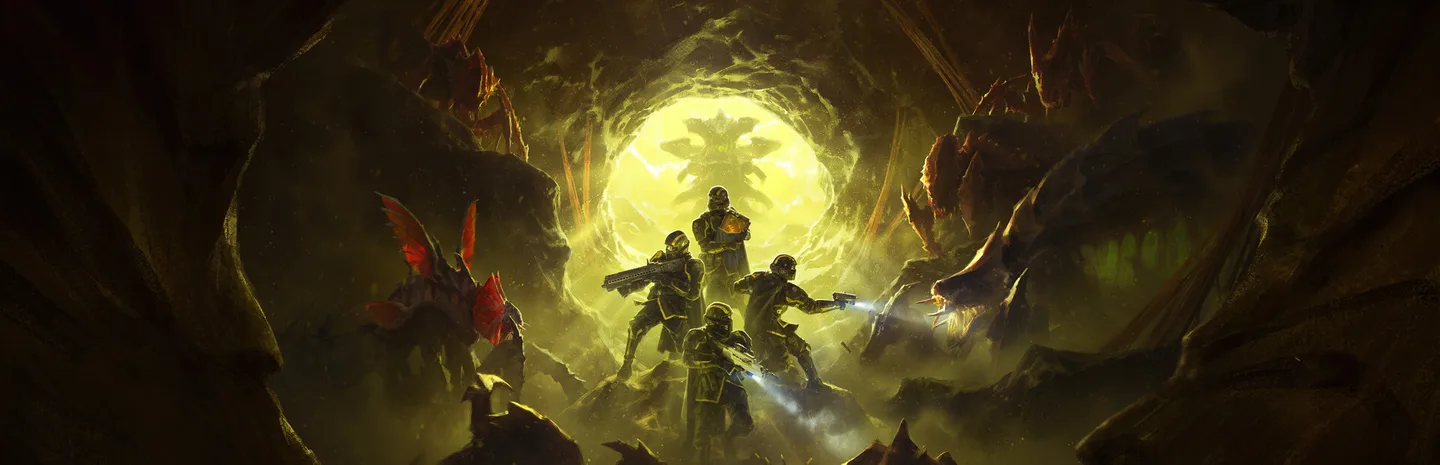 Supply PackArt: PlayStation Publishing LLC
With the B-1 Supply Pack equipped and at least one supply box left, press 5 on a default PC keyboard or tap Down on the D-pad with default PlayStation controls. The input is called Use Backpack Function in the controls menu. A successful refill uses one box from your pack and replenishes supplies such as ammunition, grenades, and stims.
1. Equip the B-1 Supply Pack
Select the B-1 Supply Pack as a Stratagem when building your loadout. Once you're in the mission and have a moment of cover, call it down and pick up the backpack from its pod. Look at your character to make sure the pack is equipped. If you already carry a backpack, plan which one you want before picking up the Supply Pack. It occupies that same equipment slot.
Check the boxes visible on the pack. You need a box to refill yourself or a teammate. If you pick up a pack someone dropped, check its remaining supplies before depending on it. A pack recovered from the ground may already be partly used or empty.
2. Use the backpack function to refill yourself
- Get behind cover so you can check the refill without fighting for space.
- Confirm that you are wearing the Supply Pack and that it has a box left.
- Press 5 on a keyboard with default PC bindings, or tap Down on the D-pad with default PlayStation controls.
- Check the pack and your inventory counters. One box should be gone and your used supplies should be replenished.
Use a quick tap on the controller. Holding the same direction can bring up a different action, depending on your control settings. If you changed your bindings, look for Use Backpack Function in the controls menu and use the input assigned there. Check the binding for your current input device if you switch between keyboard and controller.
3. Give a teammate a refill
Walk up to the teammate you want to supply and wait for the refill interaction prompt. Use that prompt to hand them a box. Pressing your backpack function while standing nearby can refill you instead, so check which action you are using. Move close enough for the prompt to appear and make sure it refers to the player you intend to help.
A teammate who is out of stims before the next objective may need a refill more urgently than someone topping off a rifle. If you have one box left, coordinate who needs it before giving it away. The same reserve serves both self-resupply and teammate refills. The pack works best when the squad knows who is carrying it and has time to group up behind cover.
4. Restock the pack at a Resupply pod
A standard Resupply pod is separate from your backpack. Pick up a supply box from that pod while wearing the Supply Pack to restock a box in the pack as well as replenishing your own supplies. Wait until other players have had a chance to reach the drop, especially if the squad has several people running low at once.
If the team is about to move away from a drop, check whether anyone still needs a box before leaving. A box carried in the backpack can be used later when the squad is too far away to return to the pod. Watch your remaining boxes during longer fights, particularly if teammates are relying on you between drops.
5. Fix a refill that does not trigger
Check the backpack first. If you changed equipment or died and picked up the wrong pack, the backpack input will not produce supplies. Then check the visible boxes. An empty pack needs to be restocked before it can dispense anything. If you have both the correct pack and a box left, check the Use Backpack Function binding and try a quick tap while out of immediate danger.
For a failed teammate refill, get closer and look for the interaction prompt. Your own backpack button and the teammate interaction do different jobs. Once you get one refill to work, check what changed in your ammo and item counters. That gives you a practical way to tell whether future refills worked even when the fight is too loud to hear the cue.
More Helldivers 2
-
Art: PlayStation Publishing LLC
How to Destroy Automaton Fabricators in Helldivers 210 Nov
-
Art: PlayStation Publishing LLC
How to Close Terminid Bug Holes in Helldivers 210 Nov
-
MedalsArt: PlayStation Publishing LLC
How to Get Medals Fast in Helldivers 2: Best Difficulty, Orders and the 250 Medal Cap8 Nov
-
Super SamplesArt: PlayStation Publishing LLC
How to Get Super Samples in Helldivers 2: Minimum Difficulty, Sample Rocks and Farming Tips7 Nov
Sources
This article was written by AI (Claude) and checked against the sources above. Games are updated regularly, so details may change.