How to Run a Battleground Premade in WoW Classic
Build an eligible Classic Era party, queue together where supported, and agree on a simple objective plan before the gate opens.
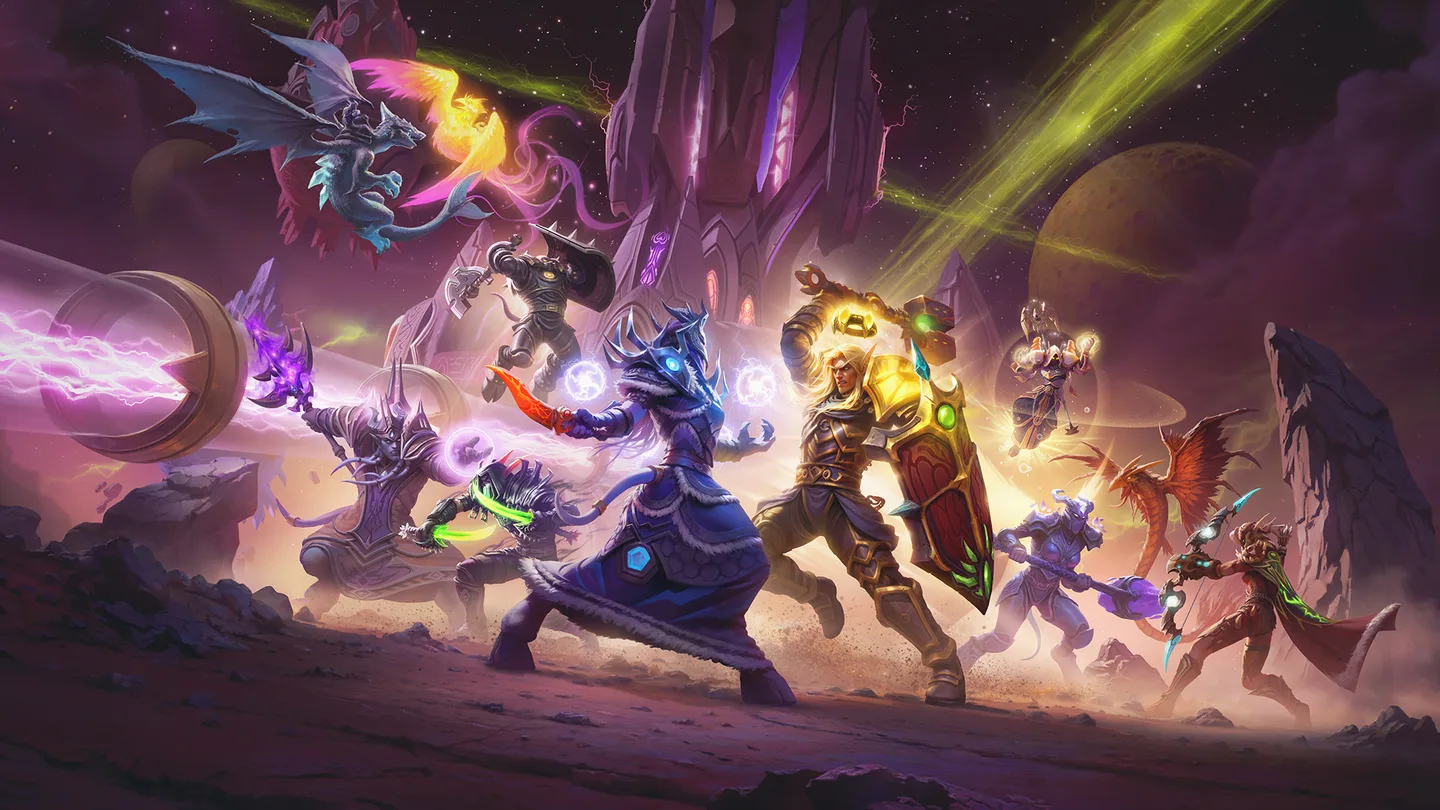 Art: Blizzard Entertainment
To run a premade in WoW Classic Era, form a party of players eligible for the same battleground bracket. Speak to the relevant Battlemaster and use the group queue option when it is available for your battleground and group. Agree on a basic objective plan before joining. The easiest first run is one where every player knows who is queuing and what the group will do when the gate opens.
Build an eligible party
- Pick one battleground, such as Warsong Gulch, and confirm that the players are in the same eligible level bracket.
- Invite the group and name a party leader to handle the queue. Check that everyone is available and isn't already committed to another match.
- Go to the relevant Battlemaster. Ask a capital guard for directions if you need help finding the PvP area.
- Open the battleground's queue dialogue and verify that the group queue option is available. Read any eligibility or group-size error before changing the party.
- When the invite arrives, have each player check and accept the intended match.
Don't assume that all battlegrounds and Classic rulesets offer identical group options. Check the client for the specific battleground you chose. If a group doesn't qualify, resolve the listed restriction or choose an eligible activity. Splitting into individual queues doesn't guarantee everyone will land in the same match.
Check levels before spending time traveling. Someone who just leveled may have moved into another bracket. If the group can't queue together, ask each player to verify their eligibility for the same battleground. That is faster than rebuilding the party without knowing why the first attempt failed.
Make a small plan for Warsong Gulch
Choose who can carry the flag and who can support that player. Decide who will watch for the enemy carrier or help recover your own flag. A small premade doesn't have to control the whole team. It can contribute by keeping its own players together and clearly communicating the objective.
Say the plan in simple terms. For example, ask two players to escort the carrier while another watches the approach. If your team needs to recover its own flag, call that change so the group doesn't keep doing an assignment that no longer helps. Use character names or roles players can recognize quickly.
If you're playing with other players you didn't bring, share the important call in battleground chat. A private voice plan won't help teammates who can't hear it. Keep the message short enough that people can read it while moving.
Keep the group useful when the match changes
After a death, regroup before charging back one at a time if the situation permits it. Check where the objective is and what the rest of your team is doing. A player who keeps fighting far from the flag can be busy without helping the team's immediate goal.
When the plan fails, identify the next action. You might need to escort a teammate, return to defend, or recover the flag. Call where the group should meet and who is acting first. A focused call is easier to follow than trying to explain the whole previous fight while everyone is respawning.
For a first premade, judge how well your group responded to its own calls. If players knew the objective but couldn't reach it together, pick a clearer meeting point next time. If people couldn't tell which target mattered, agree on a simpler call.
Fix a failed group queue or split invite
If the group button is unavailable, check the leader, party size, level bracket, and any restriction shown in the dialogue. Confirm that you are using the intended Battlemaster and playing Classic Era. The queues on other versions can have different rules.
If a player misses the prompt, find out who entered before doing anything else. Use the interface to check the current group and queue state. Don't assume a late entry will place that player in the same match. If you need to try again, wait until the players are available and confirm the exact queue before starting.
After the match, check whether everyone wants another and update the plan based on one specific problem. Keep the group eligible, use the group option shown by the client, and give everyone an objective they can act on once inside.
More World of Warcraft Classic guides
-
ReputationArt: Blizzard Entertainment
How to Earn Reputation in Hellfire Citadel Dungeons in Burning Crusade Classic11 Nov
-
Art: Blizzard Entertainment
How to Train Weapon Skills in WoW Classic11 Nov
-
Poisons as a RogueArt: Blizzard Entertainment
How to Craft Poisons as a Rogue in WoW Classic11 Nov
-
Art: Blizzard Entertainment
How to Tank a Dungeon as a Protection Warrior in WoW Classic11 Nov
Sources
This article was written by AI (Claude) and checked against the sources above. Games are updated regularly, so details may change.