How to Keep and Recover Weapons in GTA 6
Recover owned guns from a weapon locker or personal-car trunk, identify temporary pickups, and keep unique variants in your collection.
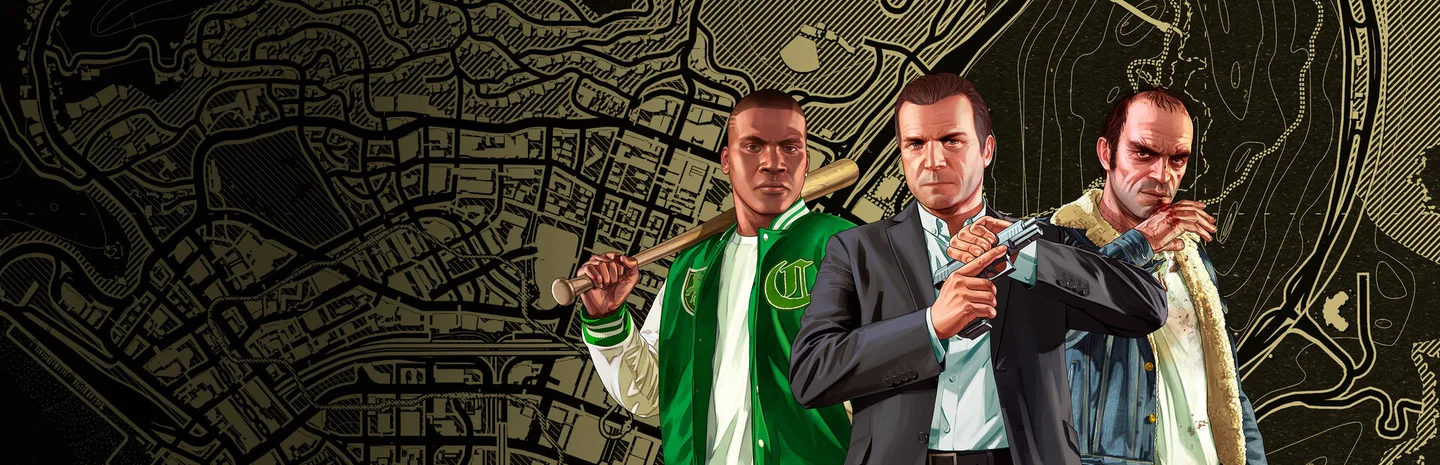 Art: Rockstar Games
Recover an owned weapon from a weapon locker or the trunk of an owned car. A gun bought at Ammu-Nation belongs to your collection even if it is no longer in your current loadout. An ordinary weapon picked up from an enemy is different: carrying it does not automatically make it permanently yours.

This guide covers GTA 6's launch version on PS5 and Xbox Series X|S. Before spending money to replace a missing gun, establish which ownership category it belonged to and check the appropriate storage interface.
Read the ownership icon
The weapon icon distinguishes three categories:
| Icon | Category | Main consequence |
|---|---|---|
| Light blue handgun | Owned | Recoverable through your collection |
| White handgun | Unowned | Temporary equipment rather than a permanent unlock |
| Yellow or gold handgun | Unique | A special variant that becomes accessible after collection |
This is a more useful first check than the weapon's appearance. Two guns of the same general type can have different ownership status depending on how you obtained them.
Think of your collection and your carried loadout as separate lists. A gun missing from your hands may still be owned, while a gun you are actively using may only be a temporary pickup.
1. Check a weapon locker
Visit an Ammu-Nation with a weapon locker and interact with it to review your available weapons. Use the loadout interface to select the gun you want to carry again.
A concrete early example is Gellhorn Outfitters in Port Gellhorn. The Chapter 2 optional objective Pick Up A Gun directs Lucia there, and PowerPyx identifies the green cabinet as a place to recover an old owned weapon.
You do not have to purchase another gun merely because that objective mentions picking one up. Inspect the locker first if you already have a suitable weapon in the collection.
2. Use your personal vehicle
The trunk of an owned car provides another way to access owned weapons. Go to the rear of your vehicle and open the relevant loadout interaction.
Check that you are using your own car rather than an unrelated parked vehicle. A trunk in the world is not automatically a shortcut to your permanent arsenal.
Once you select the gun, check your equipped loadout before driving away. This avoids reaching the next fight with the right weapon still in storage instead of on your character.
3. Handle temporary pickups differently
Weapons found on ordinary enemies or in the world can provide useful immediate firepower, but an unowned pickup is not converted into a permanent purchase just because you use it.
You can temporarily place such weapons in an owned vehicle's trunk. That does not change the underlying ownership category or unlock customization.
If you like a temporary gun enough to build your regular loadout around it, investigate the purchasable version at Ammu-Nation. Do not budget upgrades around a white-icon pickup that cannot accept them.
4. Preserve unique-weapon unlocks
Unique variants are the exception to the ordinary pickup rule. These special finds use the yellow or gold icon and become accessible to both characters after collection.
Use a weapon locker to select the variant later. The normal and alternate versions may appear through the same broader weapon selection, so check the available variants before deciding the unique gun has vanished.
Unique weapons are not normal customization projects. Their fixed identity is part of the reward, so do not assume every attachment option available for a purchased base weapon will also apply.
5. Check Jason and Lucia separately
A purchased base weapon becomes available to both Jason and Lucia, but their equipped choices and modifications are separate.
After switching characters, inspect the current loadout. Shared access does not mean the new character automatically carries the exact setup you were using a moment earlier.
This gives you room to prepare different roles. Choose equipment around the next activity instead of duplicating a loadout by habit. Before a difficult mission, verify the gun, ammunition, and intended character together.
Avoid unnecessary replacement purchases
A missing weapon should trigger a storage check before a shopping trip. Start with ownership status, then review the locker, and finally check the active loadout.
If the weapon was only an unowned pickup, its absence may be expected. If it was purchased or a collected unique variant, check the collection carefully before treating the loss as permanent.
That distinction can save both time and money. The immediate question is whether you need to retrieve equipment you already own or acquire a permanent version of something you only borrowed from the world.
Troubleshooting
My purchased gun disappeared after I dropped it. Check a weapon locker or your owned car's trunk.
I cannot modify a gun I found. Inspect the icon. Unowned pickups and unique variants do not follow the normal purchased-weapon customization route.
Lucia does not have Jason's exact setup. Equip her loadout separately; shared ownership does not copy every modification.
The optional gun objective is still waiting. At Gellhorn Outfitters, interact with the locker and actually retrieve a weapon, or make the requested purchase.
The weapon is listed but not in my hands. Select it for the current loadout before leaving storage.
Ownership is the deciding factor. Check that first, and most apparent losses become much easier to diagnose.
More Grand Theft Auto guides
-
GymsArt: Rockstar Games
How to Unlock Gyms in GTA 620 Nov
-
Assassin Nipper .38 PistolArt: Rockstar Games
How to Find the Assassin Nipper .38 Pistol in GTA 620 Nov
-
Smuggler's Gorse 425 ShotgunArt: Rockstar Games
How to Find the Smuggler's Gorse 425 Shotgun in GTA 620 Nov
-
Rocket LauncherArt: Rockstar Games
How to Get a Rocket Launcher in GTA 620 Nov
Sources
This article was written by AI (Claude) and checked against the sources above. Games are updated regularly, so details may change.